Piximba 360 for macOS 13 and later
Choose your version

360 video on Mac with no editing

A finished 360 video in 15–20 seconds

Records with an action camera or a smartphone, edits by itself and gives guests slow-mo clips by QR code. You look after the guests, not the editing

  • Any video spinner
  • DJI, GoPro, Insta360 or a smartphone
  • Delivery by QR
Request a demo

from $39 a month · $239 a year · $489 lifetime
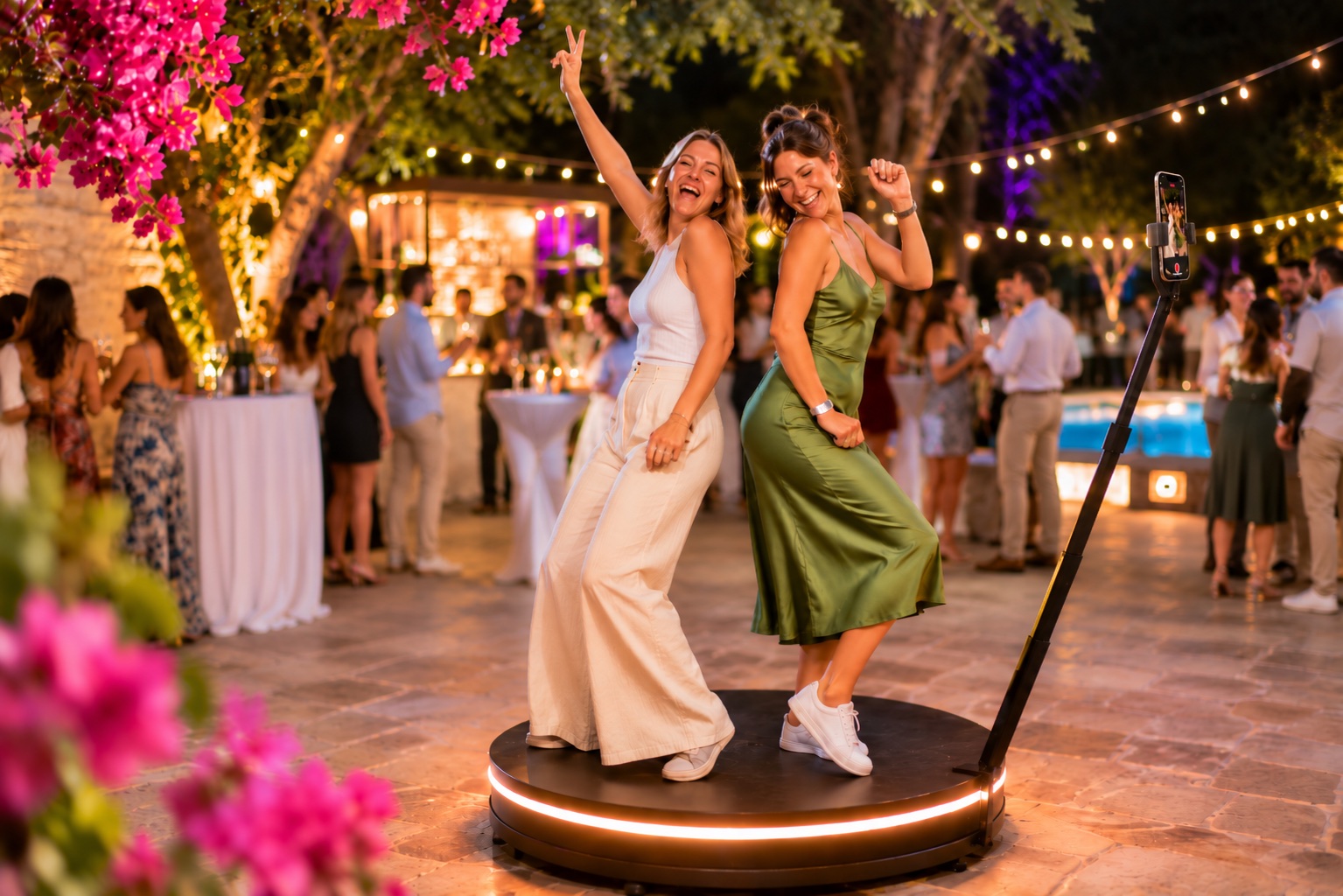
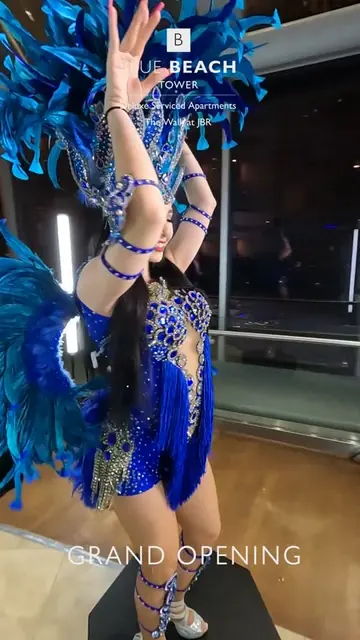
Two guests dancing on a 360 video spinner at a party
Processing the clip15 s
Slow-moBoomerangIntroMusic
Scan and download your videopiximba.com/grand-opening
GoPro · 120 fps
Video in the gallery
30–60 sfrom recording to a finished clip
QRguests download the video themselves
∞events with any licence
Anyvideo spinner and remote

How it works

1

Guest on the platform

Start with the button in the software or the space bar

2

The camera records

5–7 seconds at 120 frames per second: an action camera or a smartphone

3

The software edits

Slow motion, boomerang, music, intro and logo are added automatically

4

The guest takes it by QR

The clip is already in the gallery, the guest saves it to their phone

Slow motion, effects and branding

Set it up once before the event, and every clip builds itself after that. Try it and see how the clip changes

Sample finished clip
The clip from start to finish5–7 s of recording, the clip is longer because of slow motion
Logo around the guest throughout the clip
Confetti flies around the guest and slows down with the clip
Intro
normal
slow motion
normal
slow motion
normal
boomerang
End
♪ Music
Normal speedSlow motionBoomerangIntro
Intro, two sections of noticeable slow motion, boomerang 35%, confetti around the guest, music, end card, logo around the guest

Branding for your client

Logo
An image with a transparent background or text in one of 12 fontsPNG with a transparent background or an animation
Turns around the guest
The logo circles the guest at waist height and passes behind them
Frame
A PNG image, a MOV video or a folder of frames

Slow motion

Slow-motion sections
How slow
Boomerang: how much of the clip plays backwards

Effects, intro, music

Effectsconfetti in this example, 26 in total
Intro at the startany image that fits the clip format
End cardthe built-in “Thank you” or your own file
Musicany mp3 works
Format: landscape, square or portraitFor each format its own logo, frame and introQuality: low, medium or high
26

effects included

15 change the picture on sections of the clip, 11 are 3D and fly around the guest: far particles pass behind, near ones fly in front

15 effects for sections of the clip

a different one on each section, neighbours blend smoothly
Pop art 3×3
Kaleidoscope
Neon
Thermal
Glitch
Matrix
Comic
LSDMotion trailTrippyPop art CMYKKaleidoscope: facesMirrorDoubleLight brush
And 8 more

11 3D effects around the guest

the software finds the guest in the frame by itself
3D confetti
Snowflakes
Dollars and euros
Soap bubbles
Neon orbits
Northern lights
Golden sparks
Falling confettiPrismsHyperspeed
And 3 more
Picture filters: warm, cool, b&w, vintage, cinema, vividYour own effects are added as files to the effects folder

The clip is ready in 30–60 seconds

Recording takes a few seconds, and while the guest steps off the platform the software fetches the clip from the camera and builds the video. The bars run in real time

Mac with Apple Silicon30–60s

Guest on the platform, the camera records

From the start of recording to the finished clip. The time depends on the clip length and the chosen effects

The next guest is recorded while the clip is being builtA separate graphics card is not needed

An action camera or a smartphone records

The camera you already have will do. We will check it before you buy
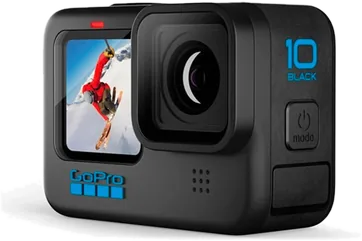
Action camera

DJI, GoPro or Insta360

The software starts recording and fetches every clip from the camera by itself. No cables needed
REC
REC

iPhone or Android

With our phone app: it records on the platform and sends the clip to the software right away

iOSAndroid

Recording starts by itself

The phone on the arm notices the platform has started moving and starts recording. You can skip the spin-up and adjust the sensitivity

No light flicker

In halls with lamps, record on GoPro at 100 or 200 fps and the light in the frame does not flicker. Slow motion is calculated from the clip's real frame rate

100120200240 fps

What else you need

Laptop

Mac

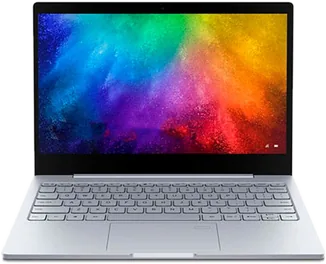
Any Mac with M1 or later, macOS 13 or later

No Mac? See Piximba 360 for Windows
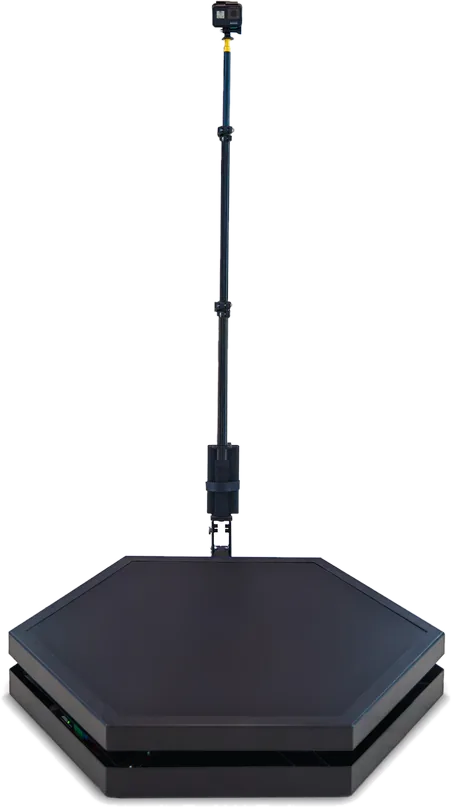
Video spinner

360 video spinner

Any. The Piximba platform starts with the Start button in the software, other spinners with their own remote

Laptop

A Windows laptop

Windows 10 or 11, Intel Core i5–i9, 8 GB of RAM or more. An NVIDIA graphics card with NVENC, such as a GTX 1650, speeds up processing

See Piximba 360 for Mac
Video spinner

360 video spinner

Any. The Piximba platform starts with the Start button in the software, other spinners with their own remote

GoPro camera

Camera and Wi-Fi

GoPro HERO7–14 Black except HERO9, plus a second USB Wi-Fi adapter with a 2.4 and 5 GHz antenna. Or a smartphone with our app

Features

What the Mac version can do

Download videono apps
and no sign-up

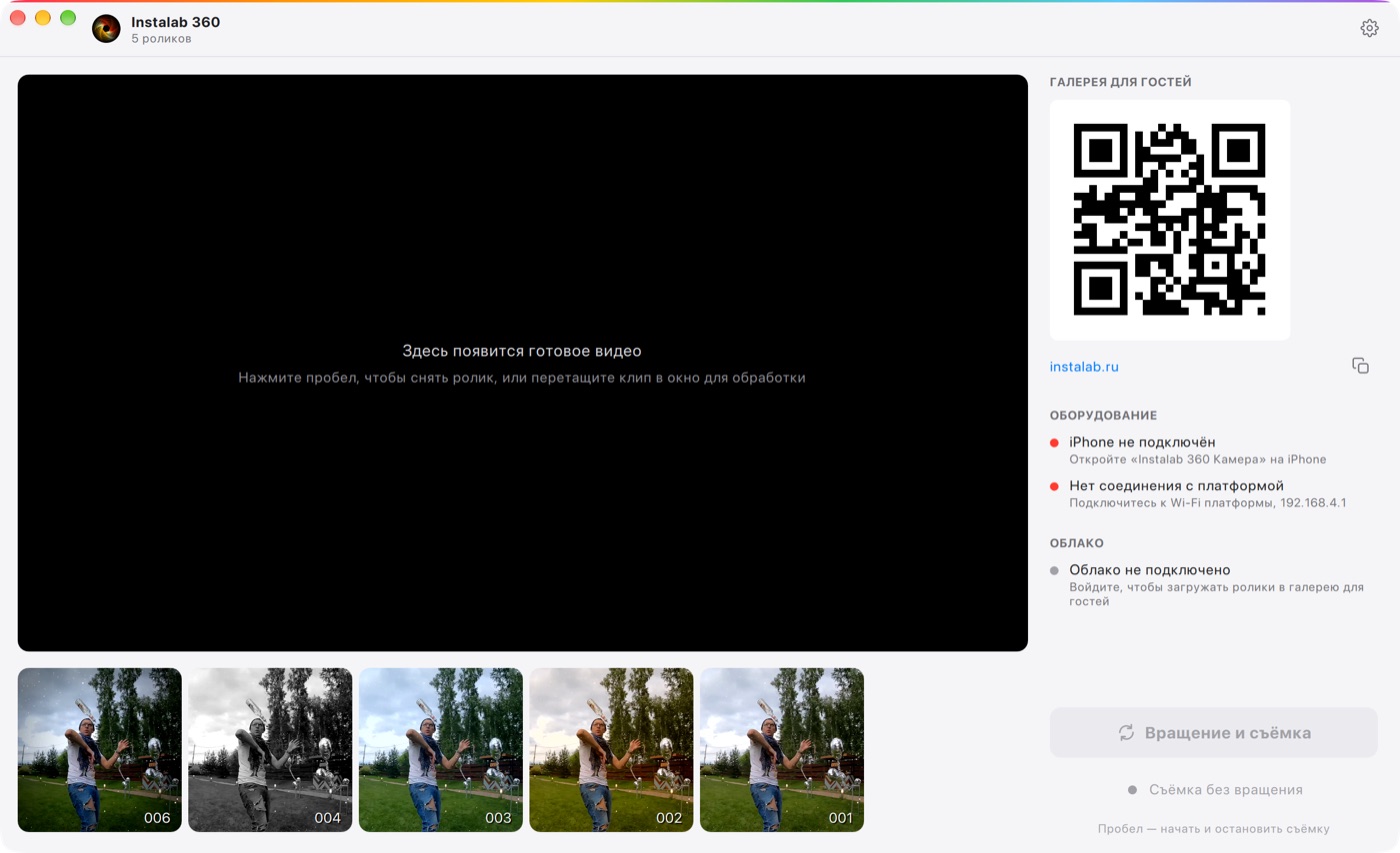
Gallery and QR

Every clip goes to the event gallery by itself, the guest scans the QR code and saves the video

Big screen playback

Finished clips play on a TV or projector automatically, with sound and the gallery QR code

Check before guests arrive

Change the settings and see them on the last clip right away

One-key start

Space starts and stops recording, no mouse needed

Clips from disk

Drag a clip into the window and the software processes it

The camera card cleans itself

Recorded clips are removed from the card, so it never runs out of space

Easy to start, reliable to run

Three-step setup wizard

On first launch the software walks you through the setup

Up to 48 hours offline

The licence works offline, clips upload to the gallery once the connection is back

One-click updates

A new version installs only after recording, processing and uploading are finished

English, Русский, Español

The language switches instantly and follows the system on first launch

Download videono apps
and no sign-up

Gallery and QR

Every clip goes to the event gallery by itself, the guest scans the QR code and saves the video

SpacePgUpPgDnClicker

Start without a mouse

Space, PageUp, PageDown or any presentation clicker start and stop the rotation

Processing the clip15 s
Slow-moBoomerangLogoMusic

NVIDIA acceleration

15–20 seconds per clip with a GeForce card with NVENC, while the next guest is recorded at the same time

Reprocessing

Put an old clip into the input folder and the software rebuilds it with the current settings

English and Russian

Switch the interface language in the settings, handy when you work abroad

The software interface

Main screen
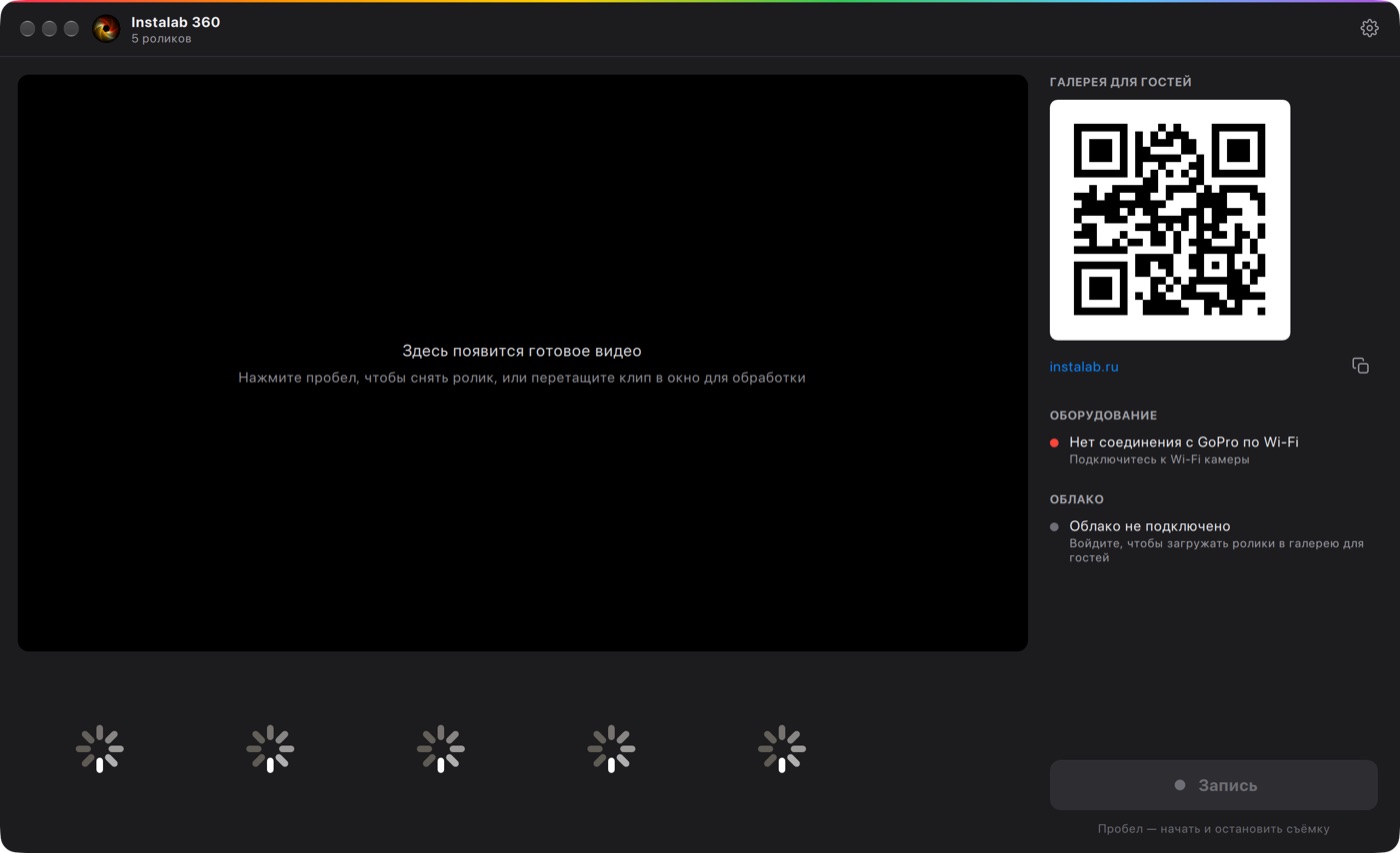
Dark theme
Video tourComing soon: the whole software in a couple of minutes
Settings
iPhone as a camera

Pricing

From the account price list. A licence for the Mac version

Monthly$39

For one-off events and the season

Buy in your account
Yearly Best value$239

Under $20 a month if you work regularly

Buy in your account
Lifetime$489

No renewals, updates included

Buy in your account

Questions about the Mac version

Didn't find an answer? Message us on Telegram

Yes, Piximba 360 for macOS has its own licence. The account, cloud and galleries are shared with the Windows version

Versions and services

Each version has its own licence, the account, cloud and galleries are shared

Piximba 360 for Windows

For a Windows laptop, processing is accelerated on NVIDIA

View
Cloud and galleries

Every clip goes straight to the branded event gallery, 3 GB of storage with the licence

More
One account and balance

Licences, renewals and galleries in one account, pay in $, € or ₽

Account

Request Piximba 360 for Mac

We will check your equipment, send a 3-day demo and set up your licence

By sending the request you agree to the privacy policy